Stop Repeating The Same Admissions Tasks.
Build workflows that automatically assign leads, send emails, update stages, notify teams, and keep every applicant moving—without manual work.
Lead Created
Trigger
Get Lead Details
Action
Conditional Path
Action
Send Email
Action
Three Simple Steps. Powerful Results.
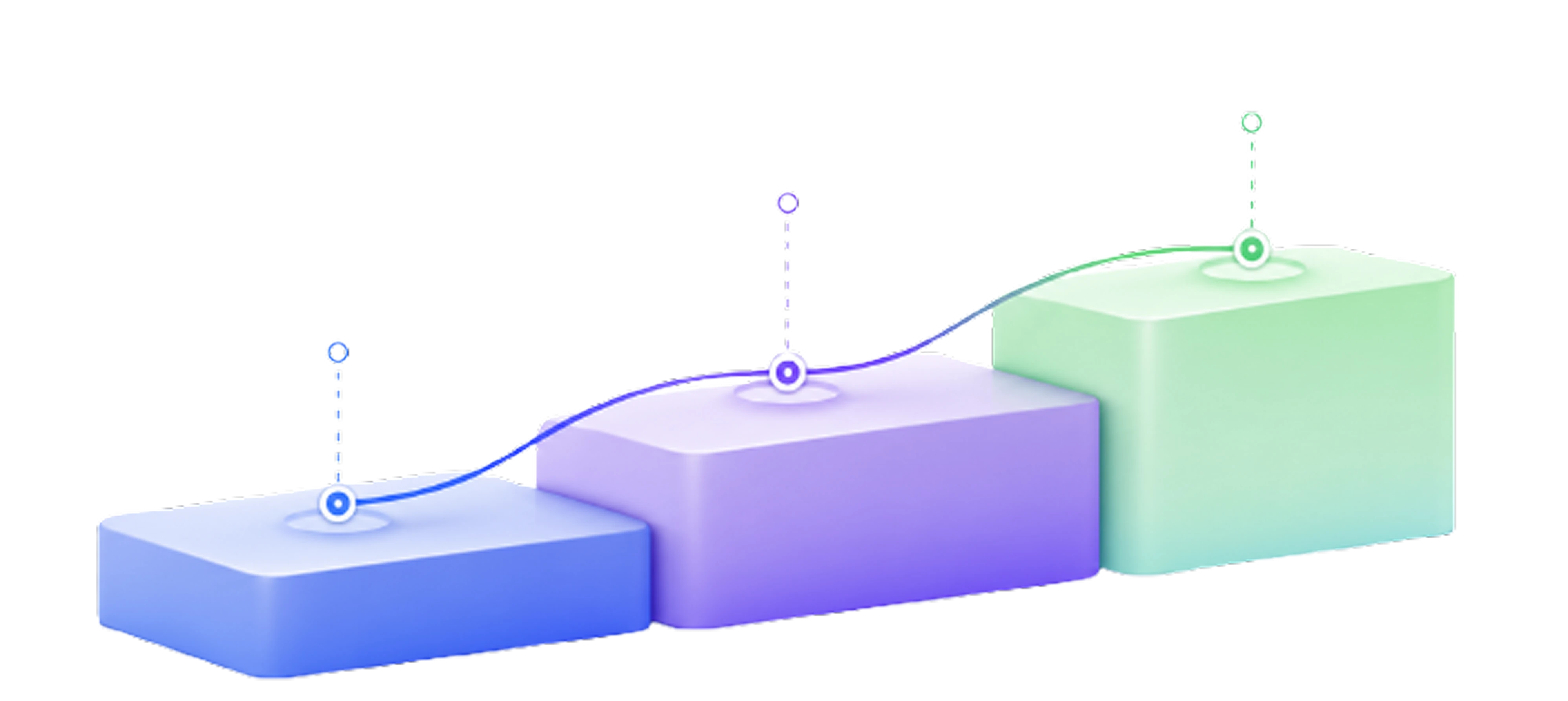
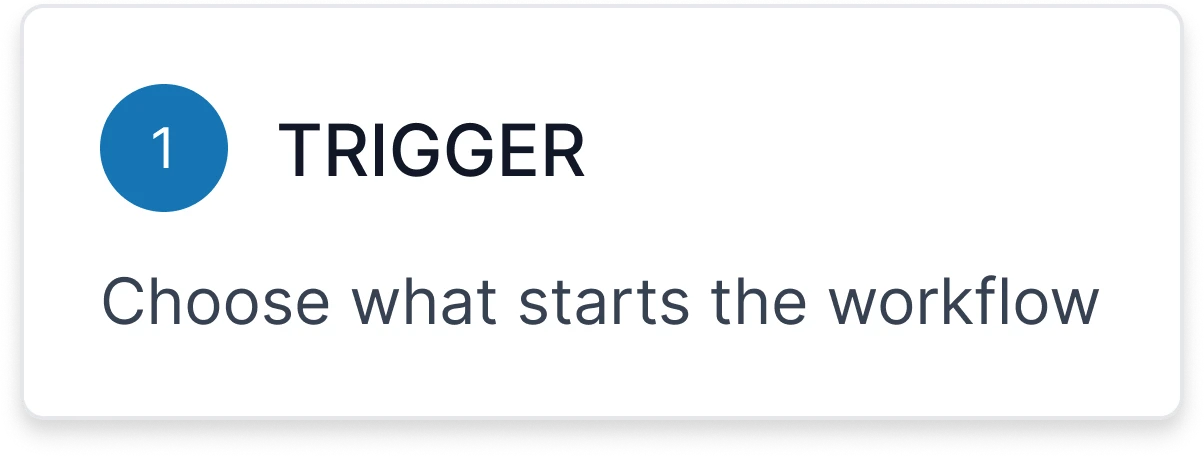
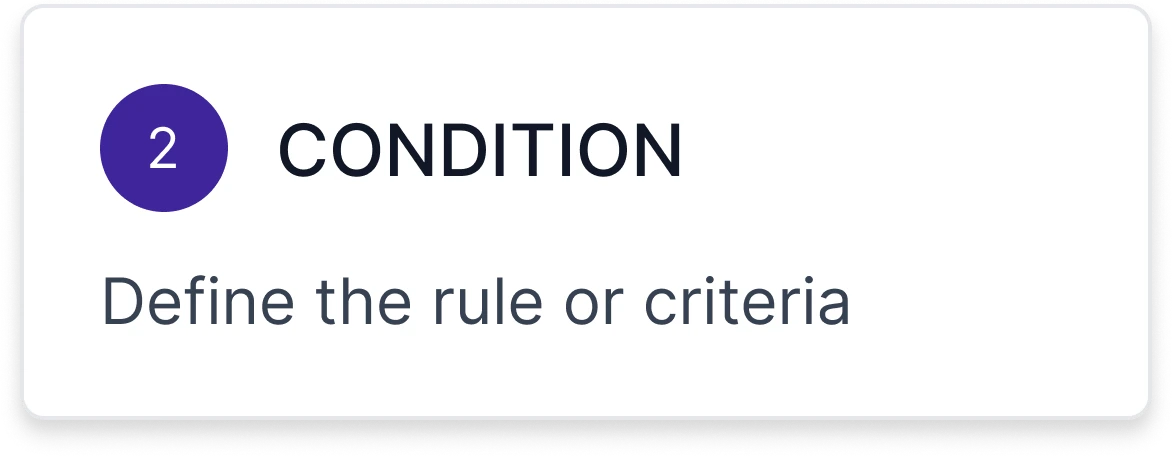
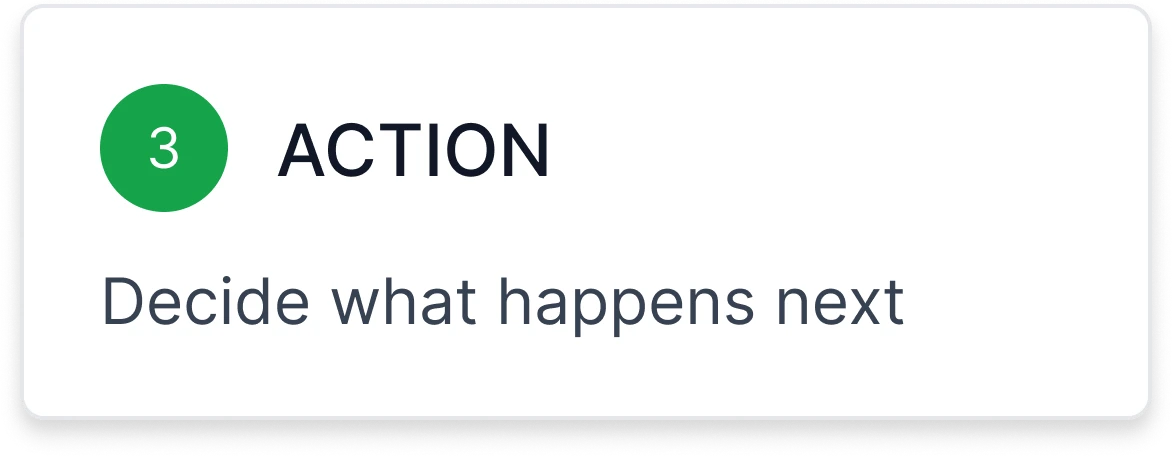
Every automation follows the same simple logic. Choose what starts it, define the rule, and decide what happens next.
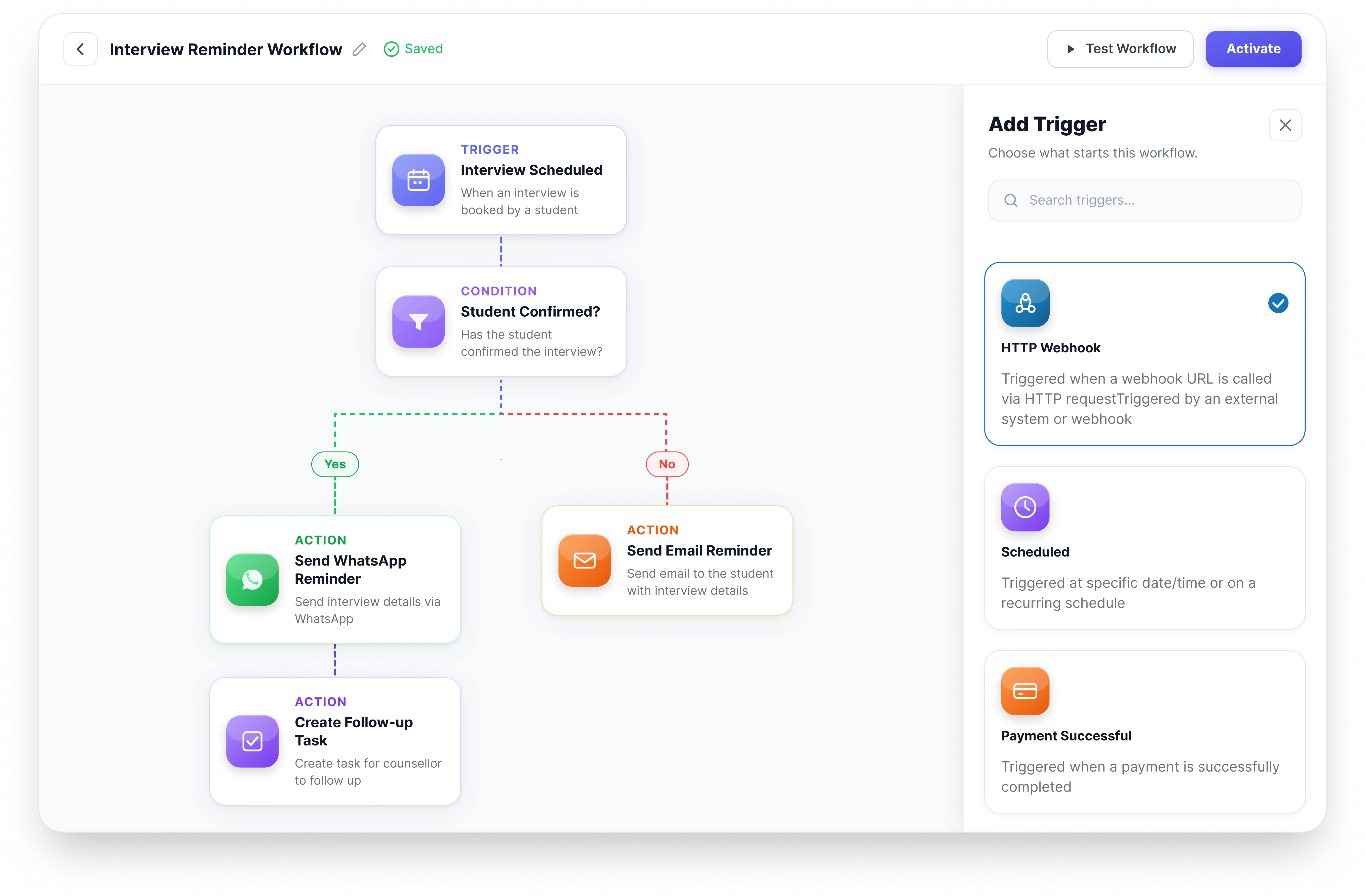
Build Powerful Workflows. No Code Required.
Create automation visually with triggers, conditions and actions. Every workflow is easy to build, edit and scale — without writing a single line of code.
See Exactly What Has Happened, Every Single Time
Every run of every workflow is logged — trigger, actions, timing, and outcome. Filter by workflow, drill into a single execution, and know immediately whether it completed, is still waiting, or failed.
11:00 AM
Welcome Journey
Trigger : New Enquiry
11:00 AM
Email sent
Trigger : Application pending for 3 days
01:00 AM
Stage Change
Trigger : Interview Scheduled
Ready to Transform Your Admissions Process?
See edMission CRM in action with a personalized demo from our team. No commitment required.