Compare Admissions Platforms.
Find the Right Fit.
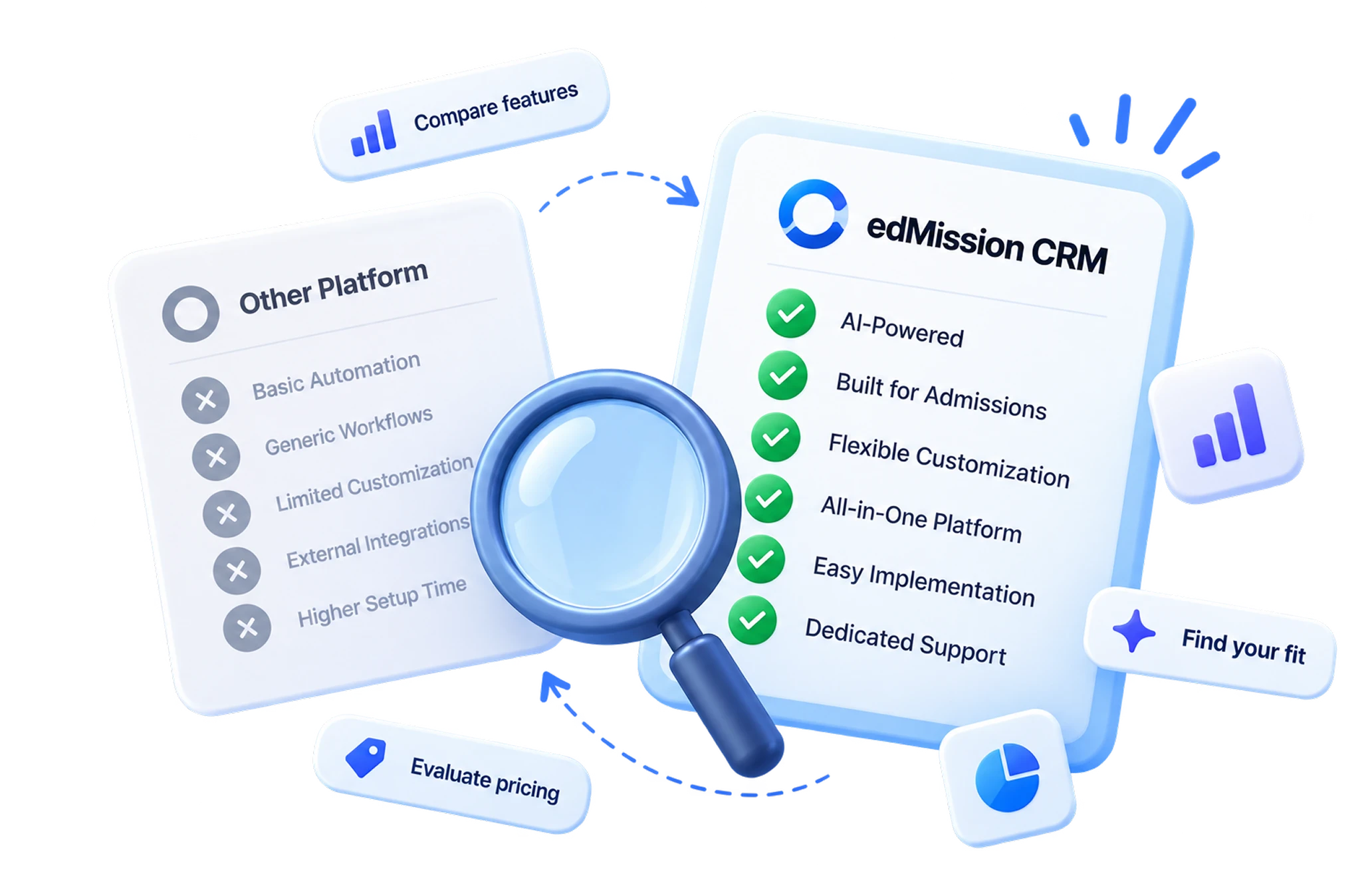
See how edMission CRM compares across automation, customization, AI capabilities, implementation speed, integrations, and admissions workflows.
STOP ASKING. START CHANGING.
A counselor needs to add a scholarship field to a live application form, mid-season. Both routes get there. The question worth asking any vendor is simply which route you’ll be on — and whether you get to choose.
The Power Has Changed Hands.
What once required back-and-forth is now entirely in your hands. Customize, control, and create — on your terms.
Form Builder
Build your own forms, field by field — drag, drop, and reorder fields yourself; add a field in seconds, not a dev ticket.
Chatbot Builder
A chatbot that looks and sounds like you — set your own colors, avatar, and font, then design the whole conversation flow, no code, no vendor ticket.
Pages & Templates
Launch pages & templates yourself — build landing pages and personalize email/WhatsApp templates with merge tags.
Your Process Changes. Your CRM Should Change with it.
Most education CRMs can do these things. The difference is who does them, and how long you wait.
| Feature Comparison | ||
|---|---|---|
| Setup & ownership | edMission CRM | Other CRMs |
| Self-serve. Sign up, configure your org, and go live in under 24 hours. | Getting live | Vendor-led onboarding. Typical go-live runs 7–15 days. |
| Your admin makes it from the dashboard, in minutes. | Making a change later | Raised as a support request; the vendor's team configures it for you. |
| Add, rename, reorder and gate them yourself — no limit, no ticket. | Fields, stages & journeys | Fully supported, but structural changes usually route back to the vendor. |
| Plug-and-play from the dashboard — paste your keys and connect. | Integrations | Wide integration catalogue, with setup handled by the vendor. |
| AI, built into the workflow | ||
| Describe what you need in your own words and get the report, chart and drill-down back instantly. | Reporting & insights | Prebuilt funnel dashboards with AI insight flags; bespoke reports often need support. |
| Drag-and-drop builder, plus AI that drafts the whole form from a prompt. | Application form builder | Application form builder available; AI form generation is not offered. |
| AI writes the copy; you edit templates and merge tags inline. | Email & WhatsApp content | Template libraries and campaigns; the copy is written by your team. |
| AI reads uploaded documents and flags mismatches before your team looks. | Document verification | Documents are collected and reviewed manually by your verification team. |
| What you can build yourself | ||
| You design the flow, colours, avatar and font. No code, no ticket. | Chatbot | Chatbot and live chat available; flow and branding changes go via the vendor. |
| Build and publish pages yourself, with AI-assisted layouts and copy. | Landing pages & templates | Typically produced by the vendor's design or marketing team. |
| Pick your brand colour — the whole applicant portal restyles instantly. | Student portal branding | Fixed portal theme; branding adjustments are a vendor request. |
| Data & compliance | ||
| ISO-certified, with a private-cloud option — a DPDP-ready deployment dedicated to your institute. | Hosting | Shared multi-tenant cloud, certified to ISO 27001 / GDPR. |
Setup & ownership
Getting live
edMission CRM
Self-serve. Sign up, configure your org, and go live in under 24 hours.
Other CRMs
Vendor-led onboarding. Typical go-live runs 7–15 days.
Making a change later
edMission CRM
Your admin makes it from the dashboard, in minutes.
Other CRMs
Raised as a support request; the vendor's team configures it for you.
Fields, stages & journeys
edMission CRM
Add, rename, reorder and gate them yourself — no limit, no ticket.
Other CRMs
Fully supported, but structural changes usually route back to the vendor.
Integrations
edMission CRM
Plug-and-play from the dashboard — paste your keys and connect.
Other CRMs
Wide integration catalogue, with setup handled by the vendor.
AI, built into the workflow
Reporting & insights
edMission CRM
Describe what you need in your own words and get the report, chart and drill-down back instantly.
Other CRMs
Prebuilt funnel dashboards with AI insight flags; bespoke reports often need support.
Application form builder
edMission CRM
Drag-and-drop builder, plus AI that drafts the whole form from a prompt.
Other CRMs
Application form builder available; AI form generation is not offered.
Email & WhatsApp content
edMission CRM
AI writes the copy; you edit templates and merge tags inline.
Other CRMs
Template libraries and campaigns; the copy is written by your team.
Document verification
edMission CRM
AI reads uploaded documents and flags mismatches before your team looks.
Other CRMs
Documents are collected and reviewed manually by your verification team.
What you can build yourself
Chatbot
edMission CRM
You design the flow, colours, avatar and font. No code, no ticket.
Other CRMs
Chatbot and live chat available; flow and branding changes go via the vendor.
Landing pages & templates
edMission CRM
Build and publish pages yourself, with AI-assisted layouts and copy.
Other CRMs
Typically produced by the vendor's design or marketing team.
Student portal branding
edMission CRM
Pick your brand colour — the whole applicant portal restyles instantly.
Other CRMs
Fixed portal theme; branding adjustments are a vendor request.
Data & compliance
Hosting
edMission CRM
ISO-certified, with a private-cloud option — a DPDP-ready deployment dedicated to your institute.
Other CRMs
Shared multi-tenant cloud, certified to ISO 27001 / GDPR.
"Other CRMs" reflects the setup and change-request model commonly reported for vendor-managed education CRMs in publicly available product documentation and user reviews. Capabilities vary by plan and provider.
Ready to Transform Your Admissions Process?
See edMission CRM in action with a personalized demo from our team. No commitment required.