Your Day, In Your Pocket.
Manage leads, calls, queries, and follow-ups from one powerful mobile app built for admissions teams.
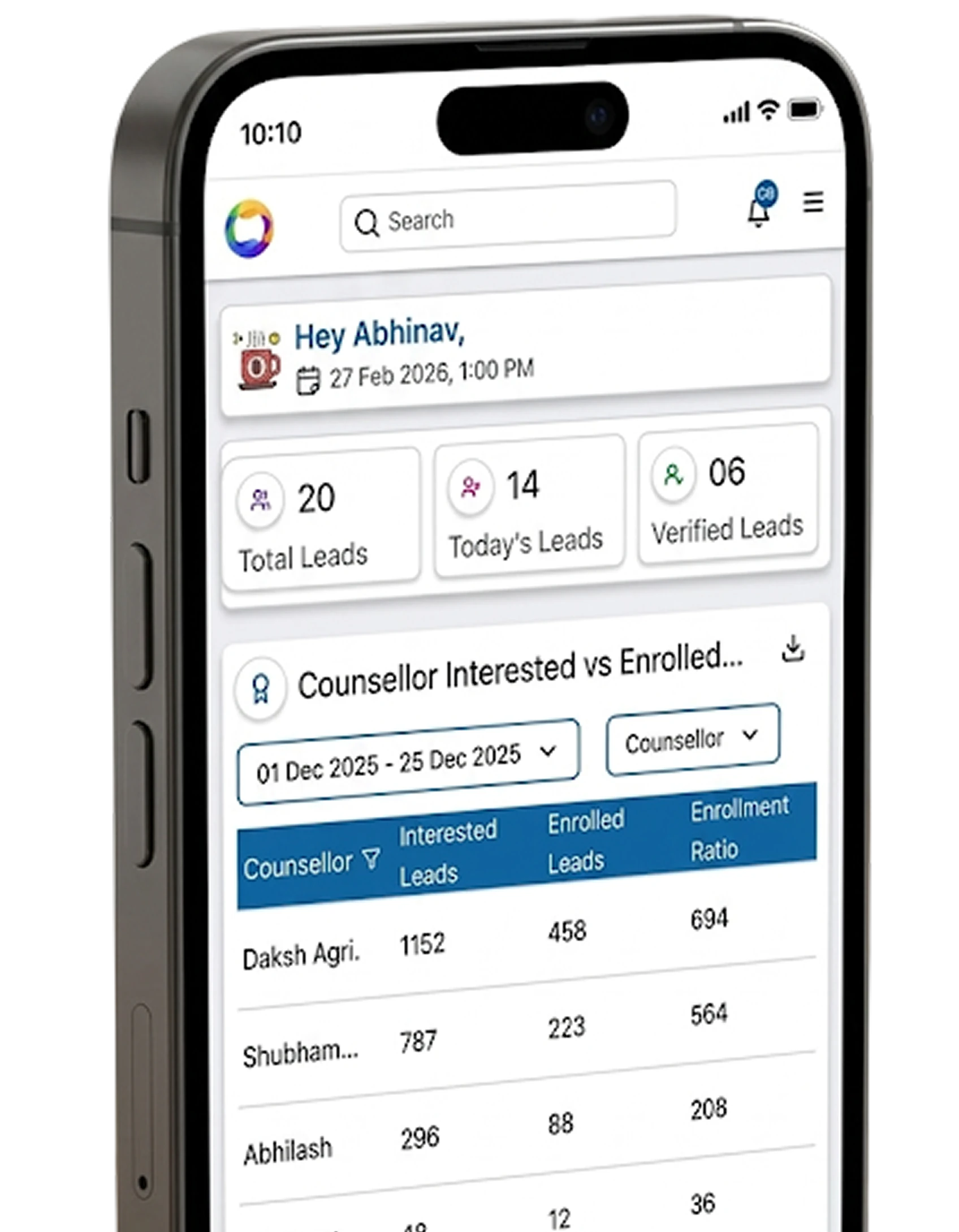


Your Complete Lead View. Wherever You Are.
Everything your team sees in the CRM stays within reach on mobile. View lead details, interests, activities, follow-ups, application status and communication history before taking the next action.
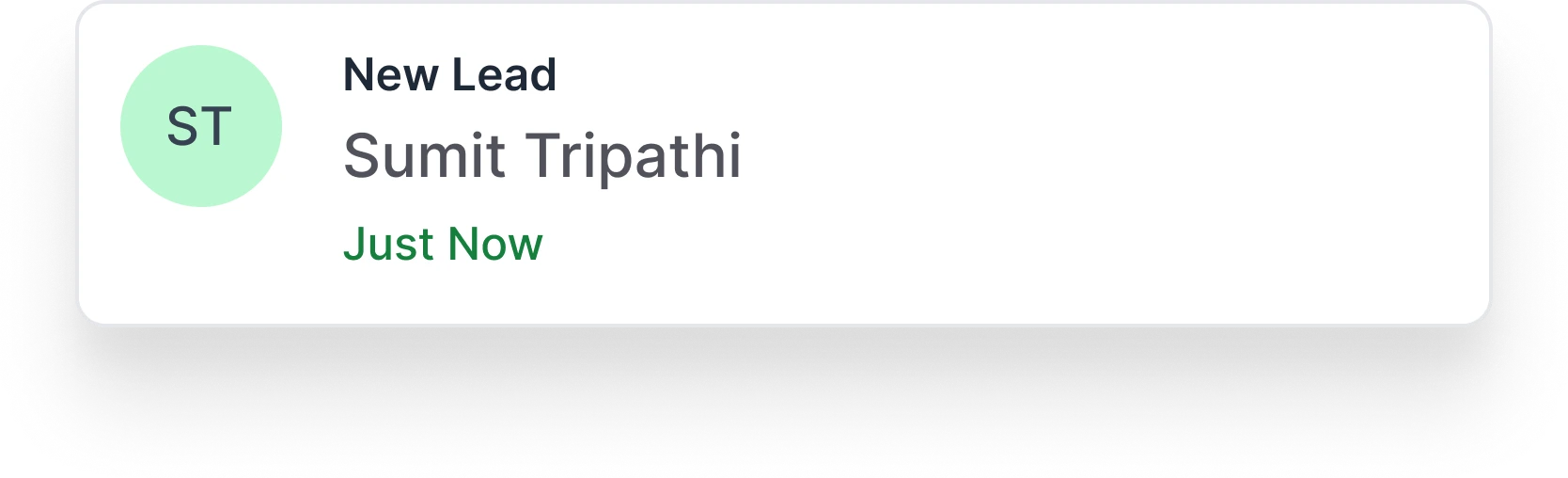
 edMissionLead Found
Shubham Patel
New LeadCall Smarter, From Anywhere.
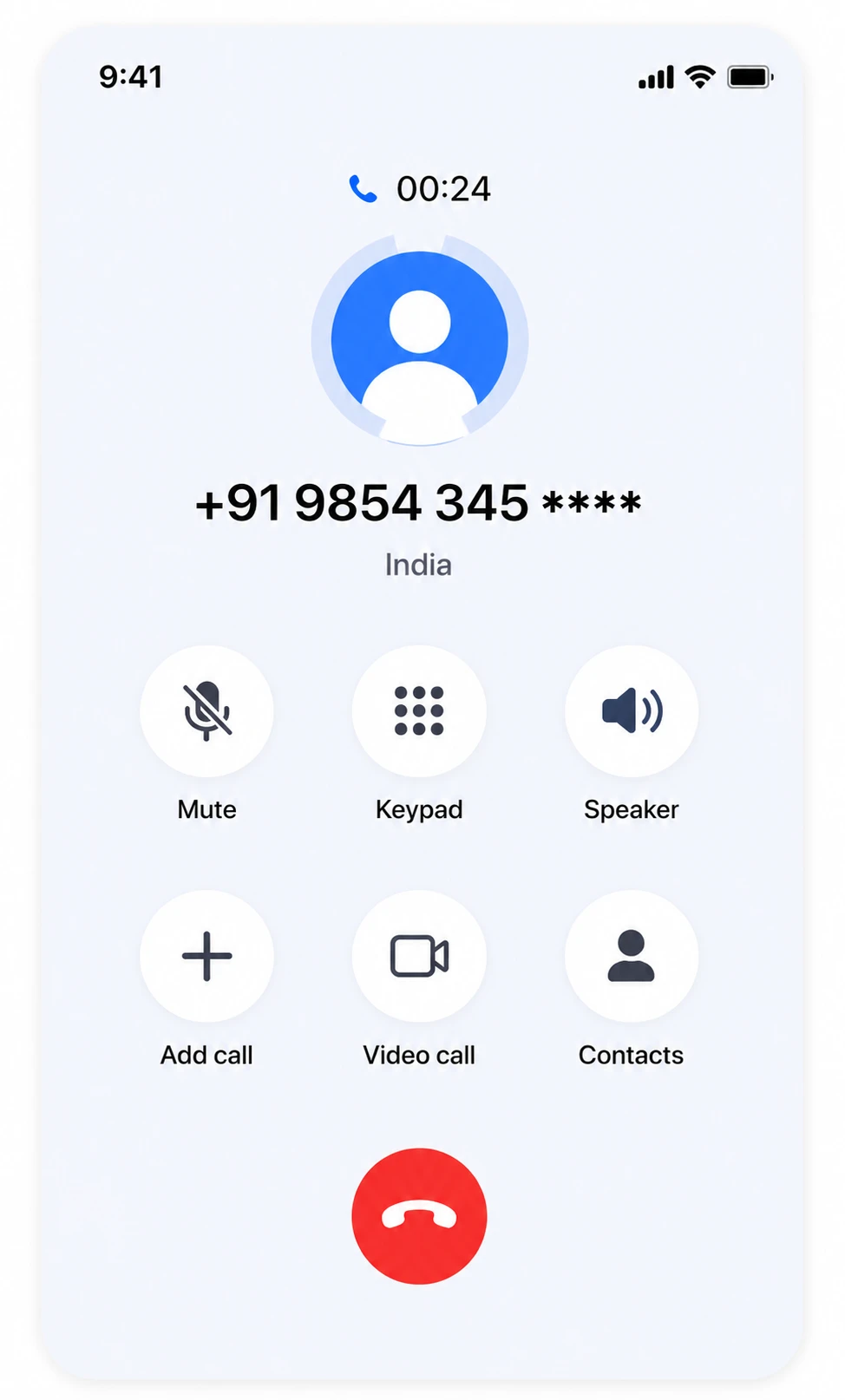
Whether you're on web or mobile, calling a lead never means hunting for a number. On mobile, tap Call on any lead and it dials instantly through your phone's own native dialer — no copying numbers, no switching apps.
Auto-Logged Calls
Every call is automatically added to the lead timeline.
Unknown Caller? Instant Lead
Unknown numbers are instantly converted into new leads.
Act Before You Hang Up
Update stage, add follow-ups, or save notes in seconds.
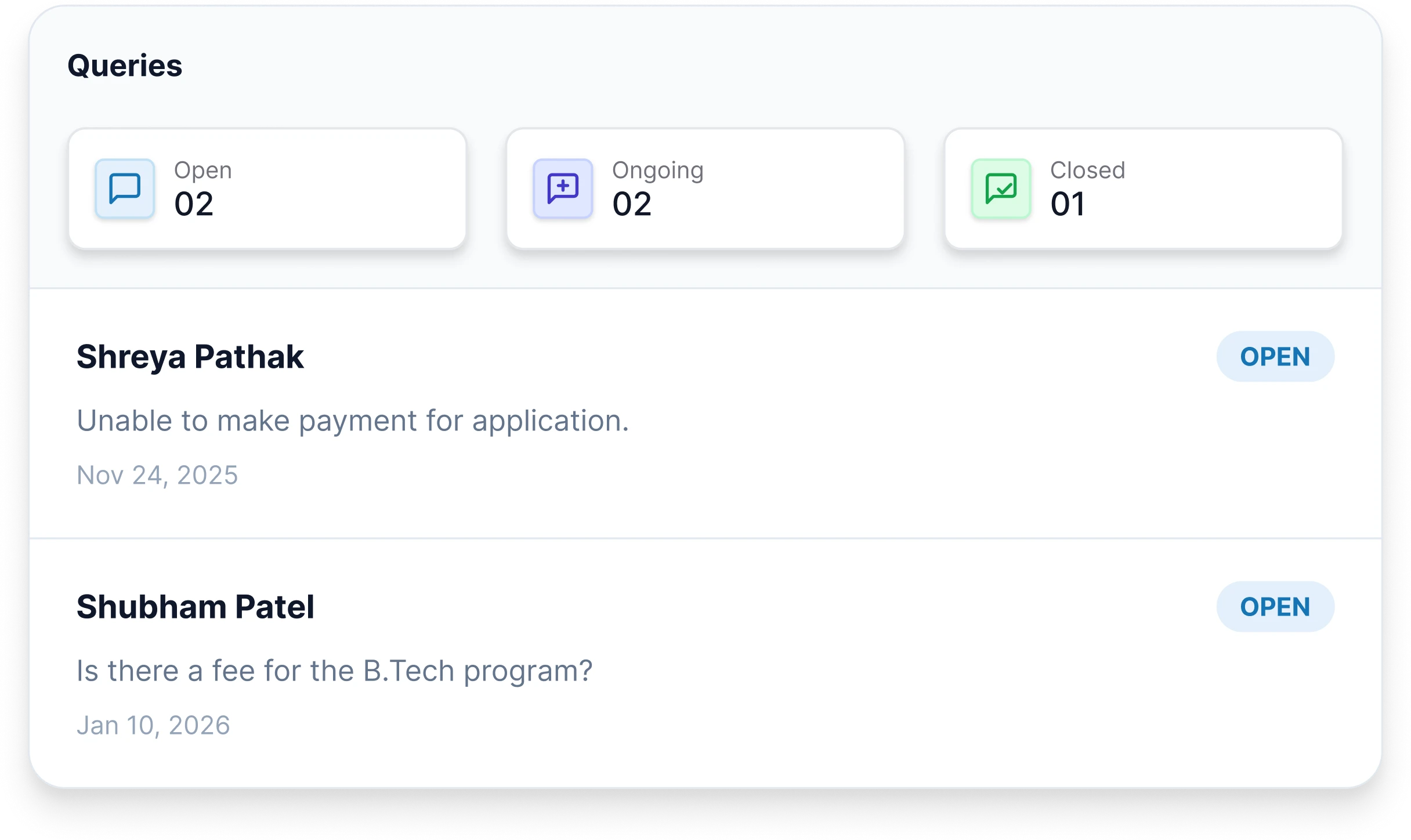
Manage Every Student Query, Right From Your Phone.
Stay on top of open, upcoming and closed queries wherever you are. Respond to students, track conversations and move every query towards resolution — without being tied to your desk.
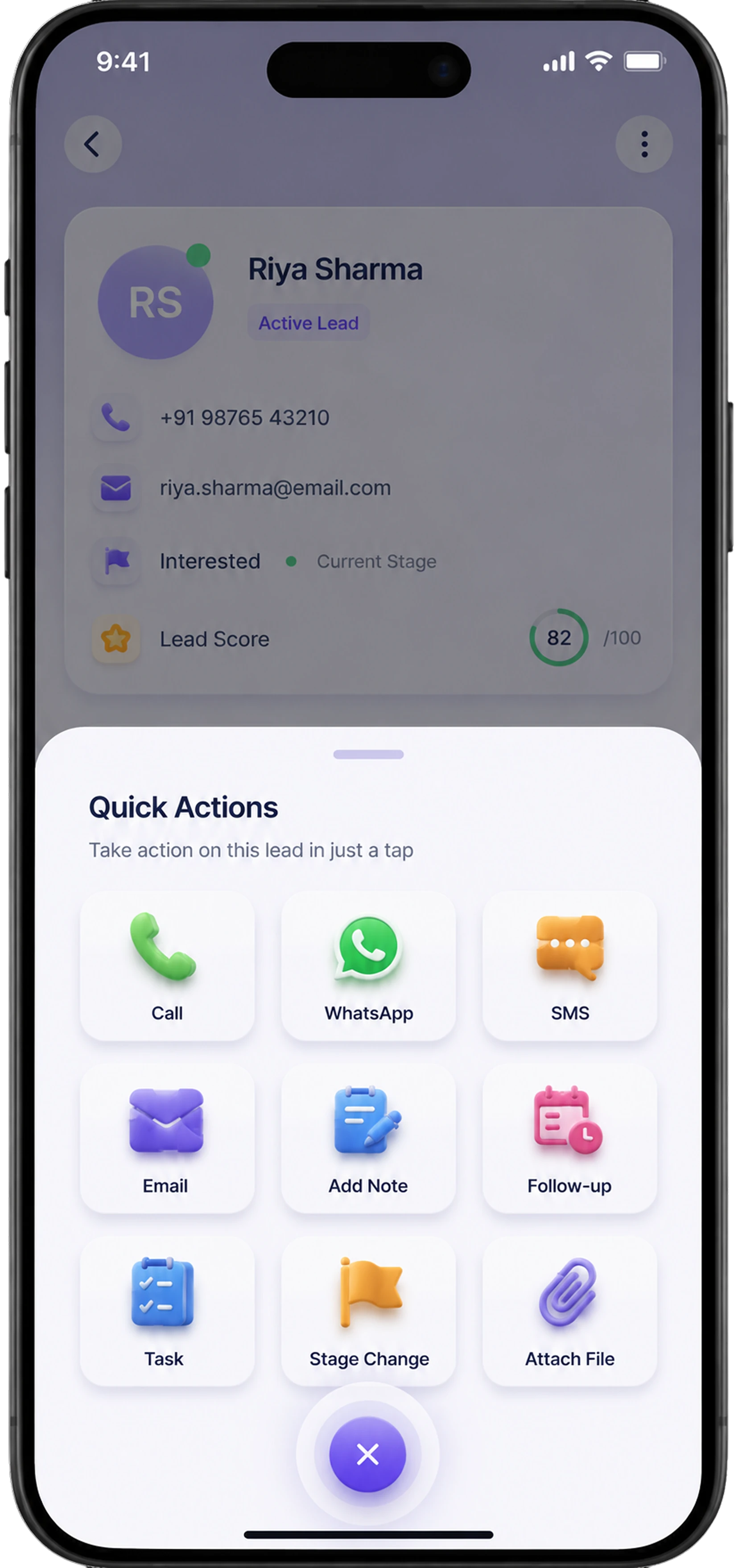
Take Action On Every Lead, In Just A Tap.
Call, WhatsApp, SMS, email, add a note, schedule a follow-up or update a lead’s stage — all directly from the lead profile.
Everything You Need, Just a Swipe Away.
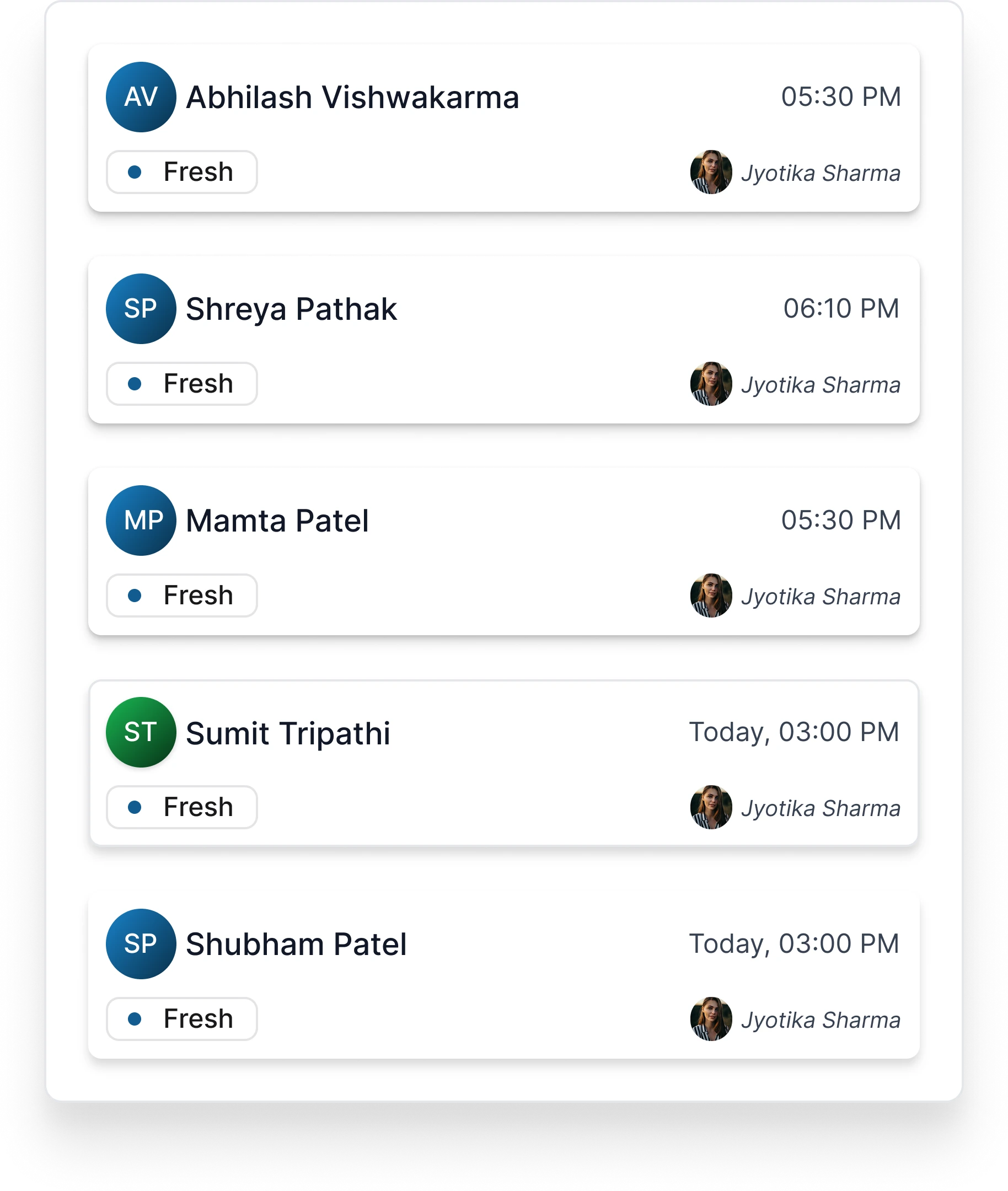
Everything you need is just a swipe away — call, email, WhatsApp, or SMS instantly. Swipe a lead right to message them on WhatsApp or SMS, left to call or email, and the same gestures work across your follow-ups and tasks too.
Shreya Pathak
Feb 11, 2026Sumit Tripathi
Sep 14, 2025Every Conversation Stays Connected.
Call, message or email leads directly from your phone, while every interaction automatically stays connected to their CRM timeline.
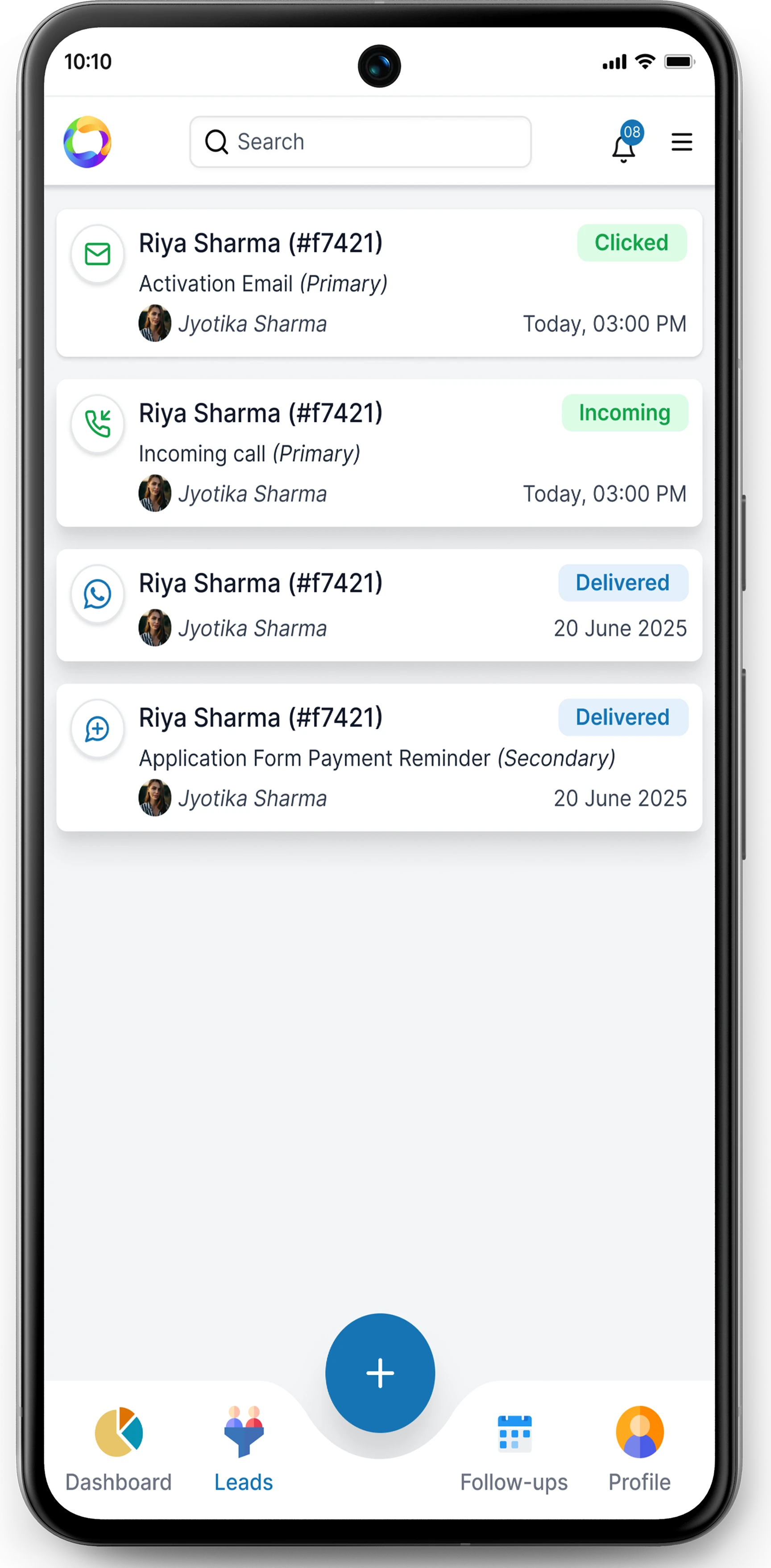
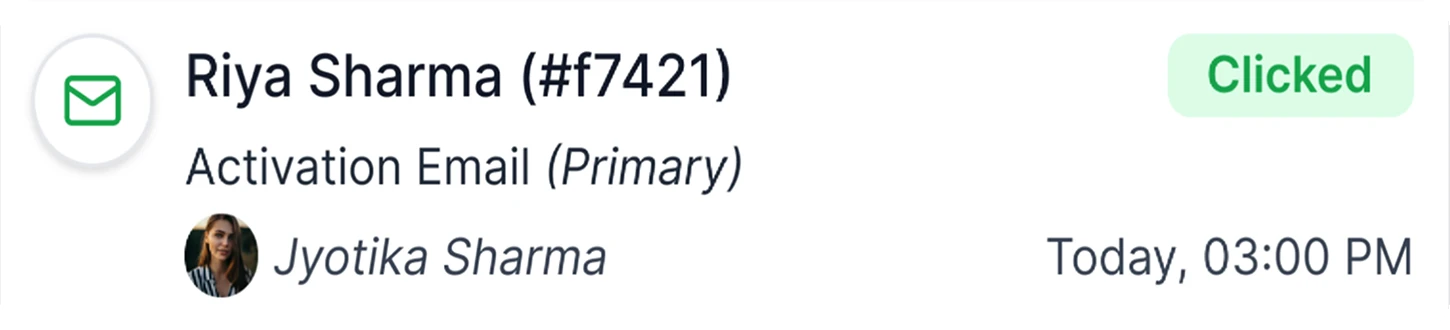

Integrate with your preferred cloud telephony provider.
Continue using the telephony platform you already trust. Connect seamlessly with leading cloud telephony partners to make, receive, and track calls directly from the CRM, while keeping every interaction securely logged against the right lead.


Ready to Transform Your Admissions Process?
See edMission CRM in action with a personalized demo from our team. No commitment required.