Bulk Action Logs
Bulk Action Logs is where every bulk operation run across the CRM gets tracked — uploads, downloads, mass messaging, mass reassignment, and more — each with its own progress, success/failure counts, and (where relevant) a downloadable report.
What You Can See
The main page is a grid of cards, one per bulk action type: Lead Assignment, Email, SMS, WhatsApp, Lead Bulk Download, Offer Letter Bulk Download, Payment Download, Lead Stage Change, Lead Bulk Transfer, Lead Rechurn, Bulk Task Creation, Lead Bulk Upload, Lead Bulk Update, Push Lead, AI Agent Call, Meta CAPI, Meta Retargeting, Google Retargeting, Snapchat Retargeting, Interview Slot, and Deleted Leads. Clicking a card opens that action type’s own log list.
Sub-Modules
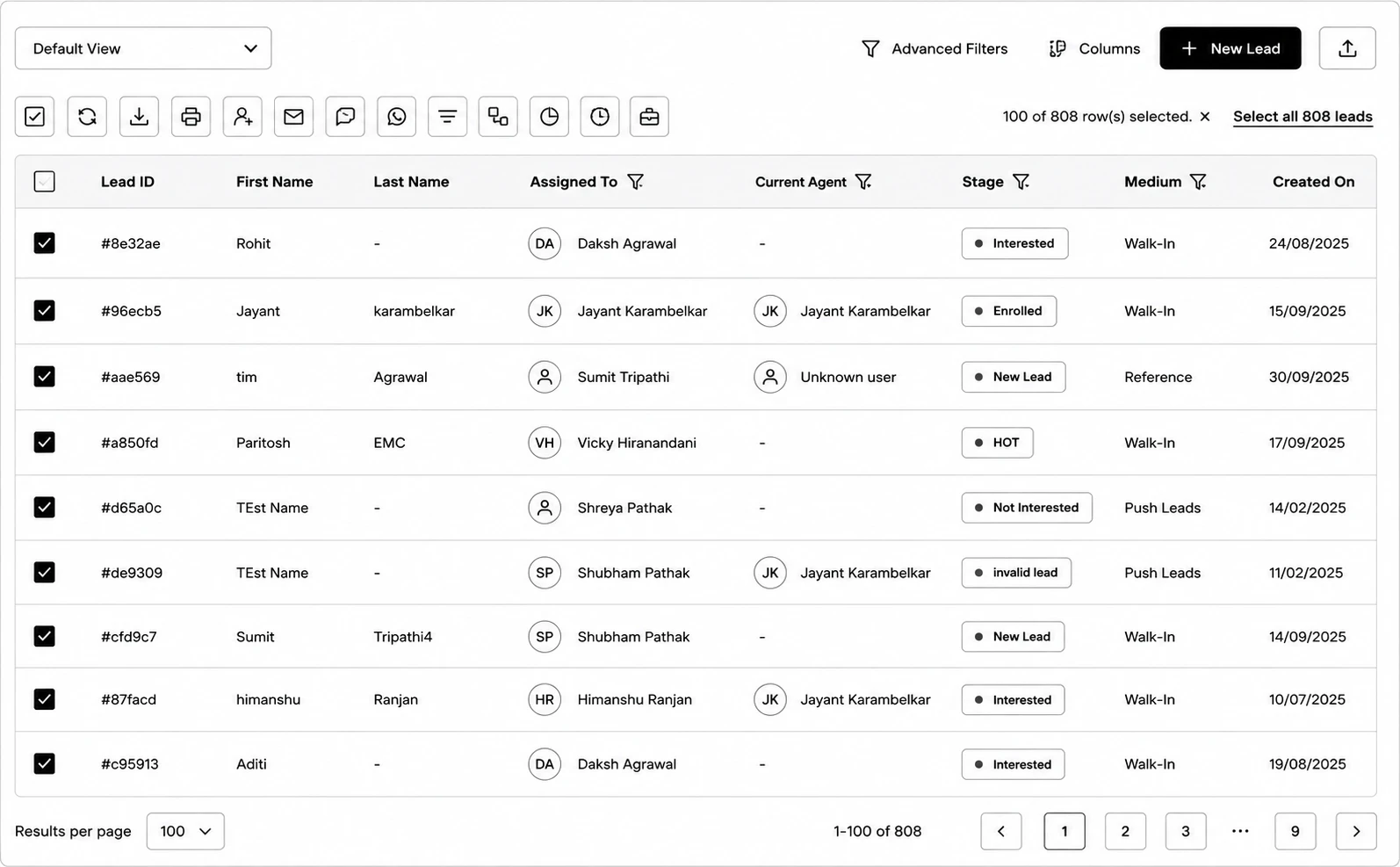
Triggering from Leads
How the Leads bulk actions bar maps to a log entry here.
Bulk Upload / Update
Track files uploaded to bulk-create or bulk-update leads.
Bulk Downloads
Lead, Offer Letter, and Payment download jobs.
Bulk Email / SMS / WhatsApp
Delivery status and per-recipient tracking for campaigns.
Interview Slot
Assign/publish jobs with a full per-application drill-down.
Push Leads
Leads pushed out to an external partner/university system.