Calendar
The Calendar module is the single place where every scheduled activity on a lead comes together — Follow-ups, Tasks, Meetings, and Payment Dues — so counsellors and managers can see everything they need to act on today, without opening each lead one by one.
How to Use the Calendar
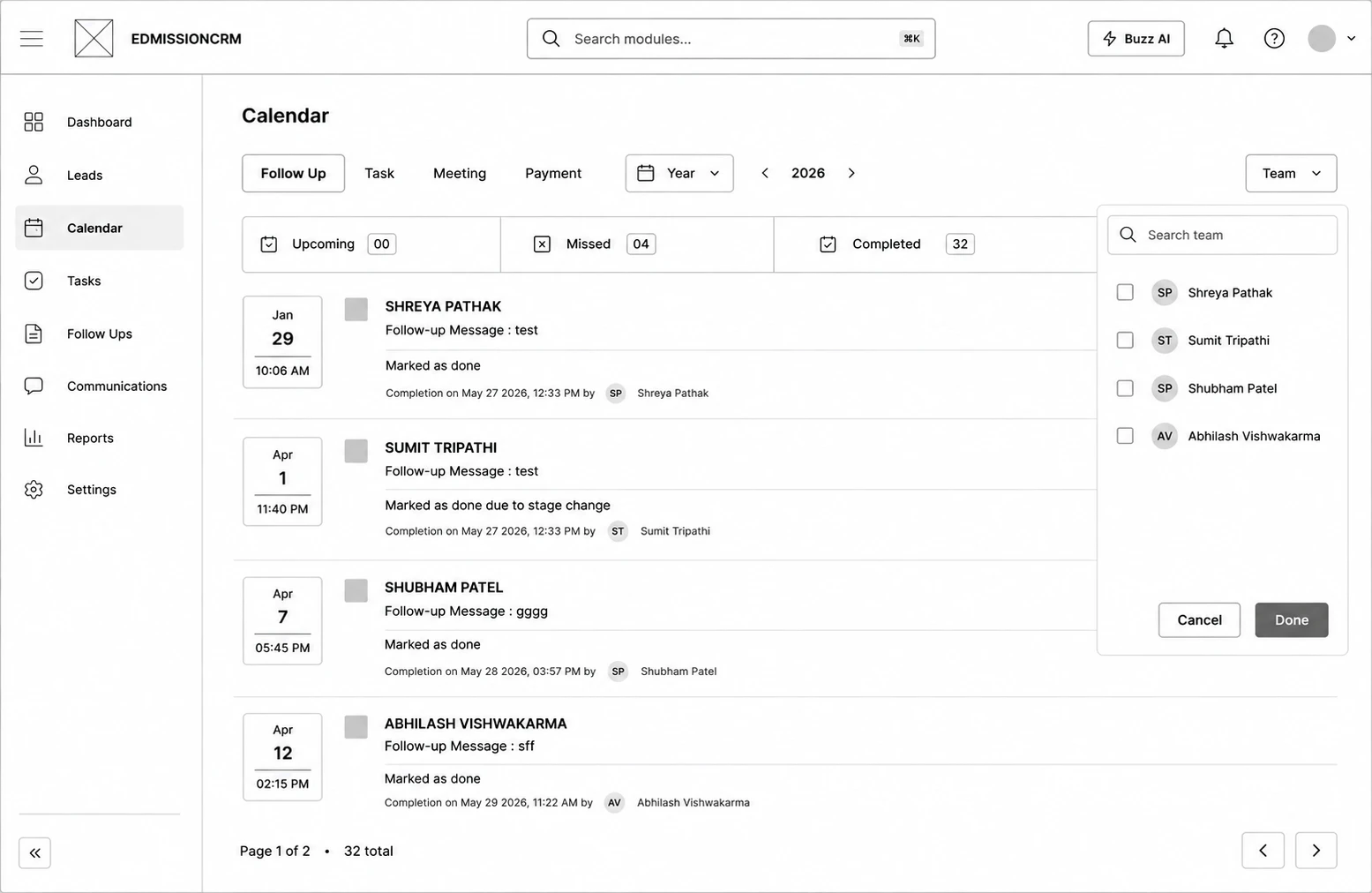
Step 1: Go to Calendar from the sidebar.
Step 2: Select the tab for what you want to review — Follow Up, Task, or Meeting.
Step 3: Use the Date Range and Team filters to narrow the list.
Step 4: Click Done on any Follow-up or Task card to complete it, or open a card to jump straight to that lead.
Step 5: (Meeting tab only) Click the + button to add a new meeting directly from here.