Forms — Application Form — Application Form Fields
Similar to Enquiry Forms' Field Settings, but for the Application Form module — and here you can also create new fields directly, not just pick from existing ones.
How to Add a Field
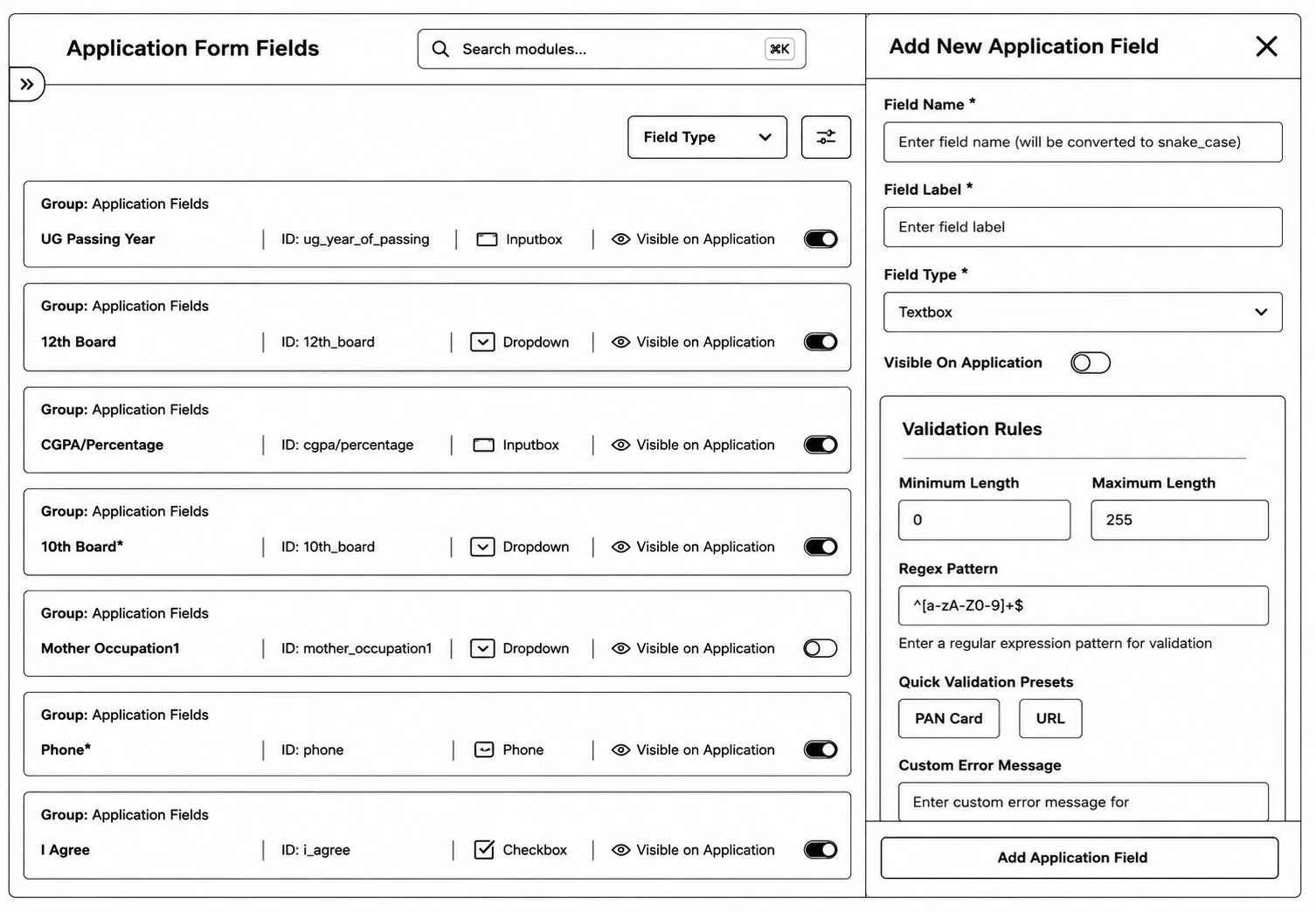
Step 1: Go to Application Forms → Application Form Fields.
Step 2: Click Add New Application Field.
Step 3: Fill in the field details, and toggle Visible On Application to control whether it shows up in the application builder's sidebar.
Step 4: Save.
Use the row-level Visible On Application checkboxes to quickly toggle a field on/off, and the reorder mode (Save Order / Cancel) to change field ordering.