Interview Slot Booking — Managing Interviewers
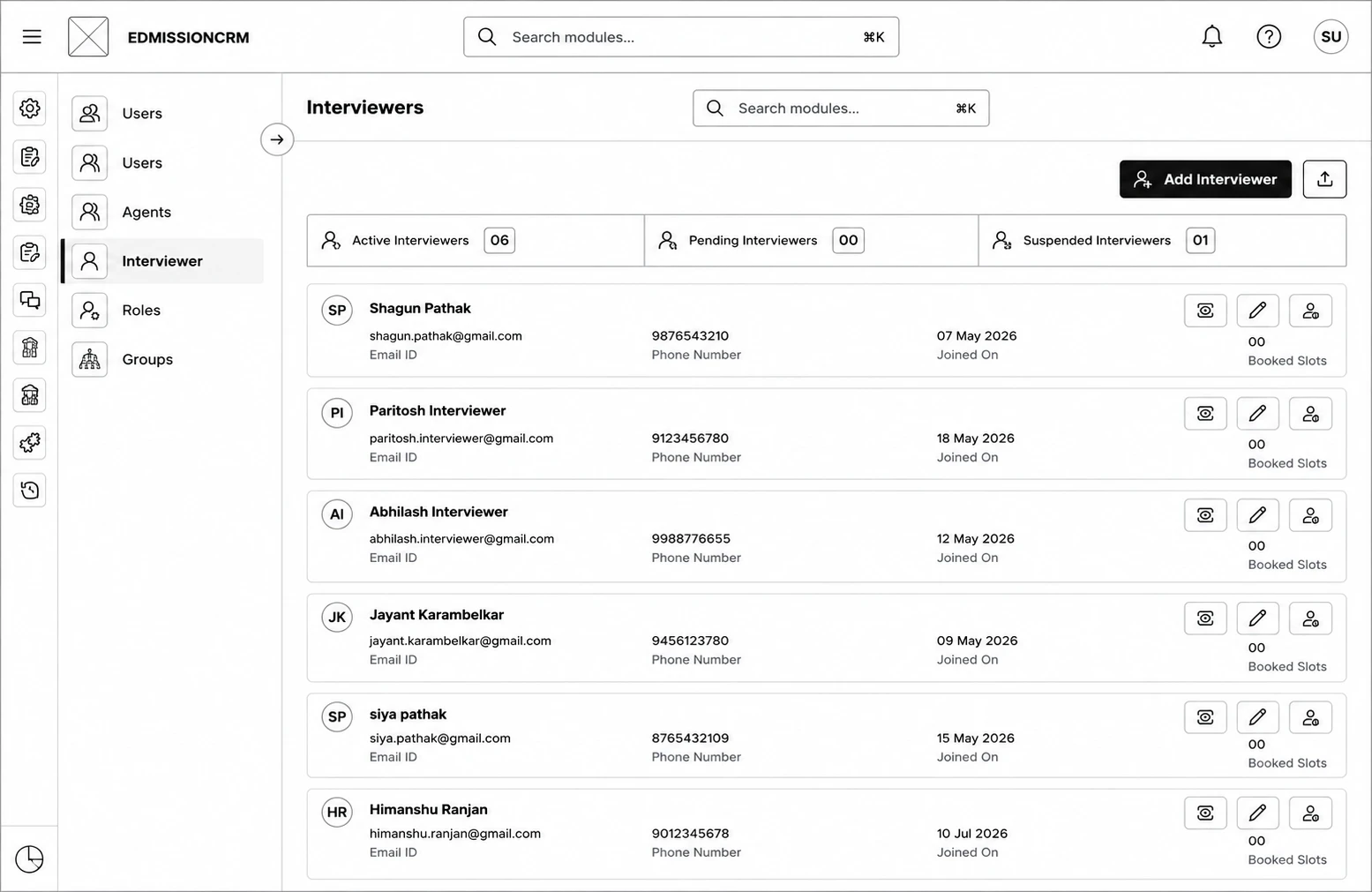
Go to Interviewer (under Users) to see all interviewer accounts, filterable by Active, Pending, and Suspended.
- Click Add Interviewer and fill in First Name, Last Name, Email ID, and Phone Number — this creates a user with the Interviewer role and sends an invite email.
- Use the bulk-upload icon to add many interviewers at once.
- From an active interviewer's row, click View to see and manage the slots they're assigned to.