Leads — Attachments
Files and documents associated with this lead, split into two sub-tabs (only shown if Application Forms is enabled):
What You Can Do
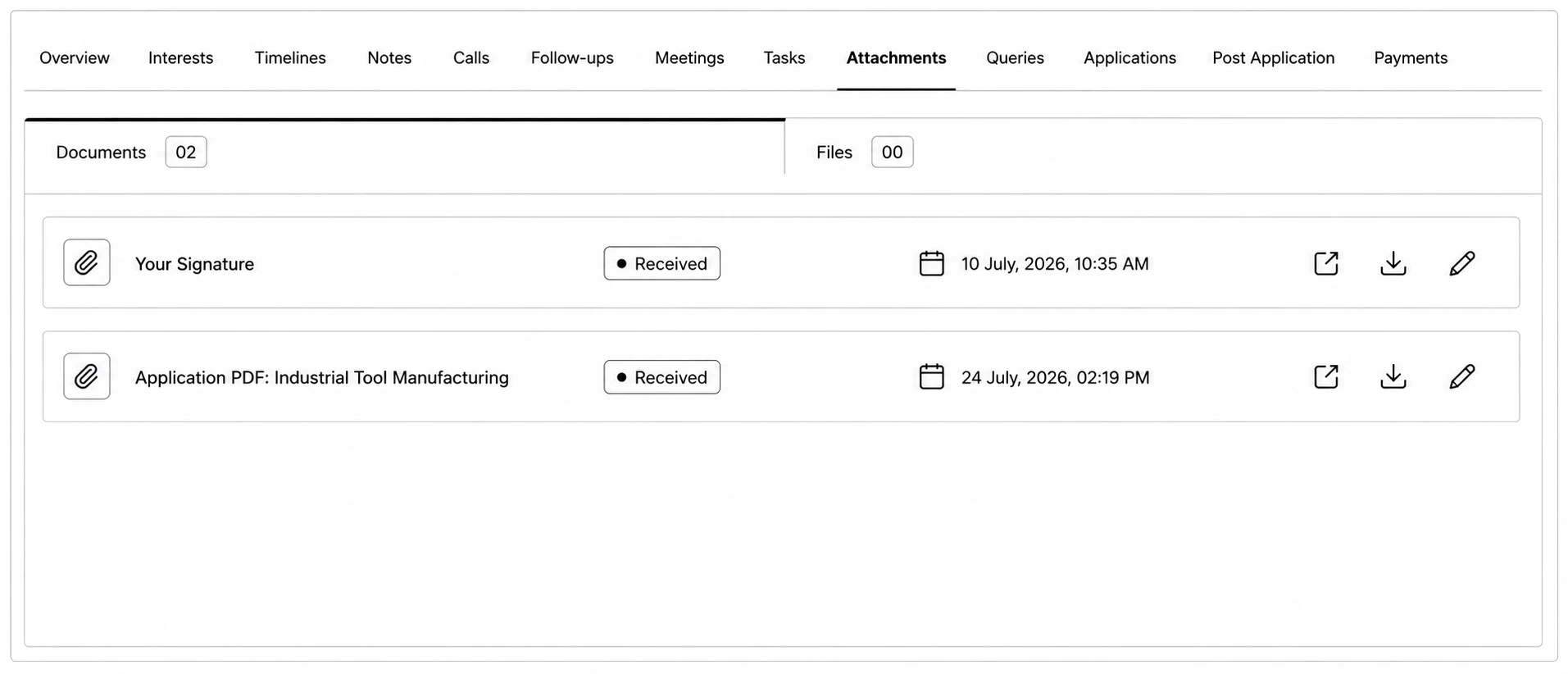
- Documents — a checklist of documents requested as part of an application (e.g. Passport), each with a status: Requested, Received, Approved, Rejected, Partially Uploaded, Verified, Partially Verified, Re-apply. Auto-generated files like the Application PDF, Offer Letter, and Receipt also appear here.
- Files — general ad-hoc uploads. Click Add Attachment to upload one.
- Both sub-tabs let you view (opens in a new tab) or download a file; there's currently no delete option.