Forms — Enquiry Form — Field Settings
Field Settings controls which of your organization's global lead fields can be used in Enquiry Forms, and in what order.
How to Add Fields
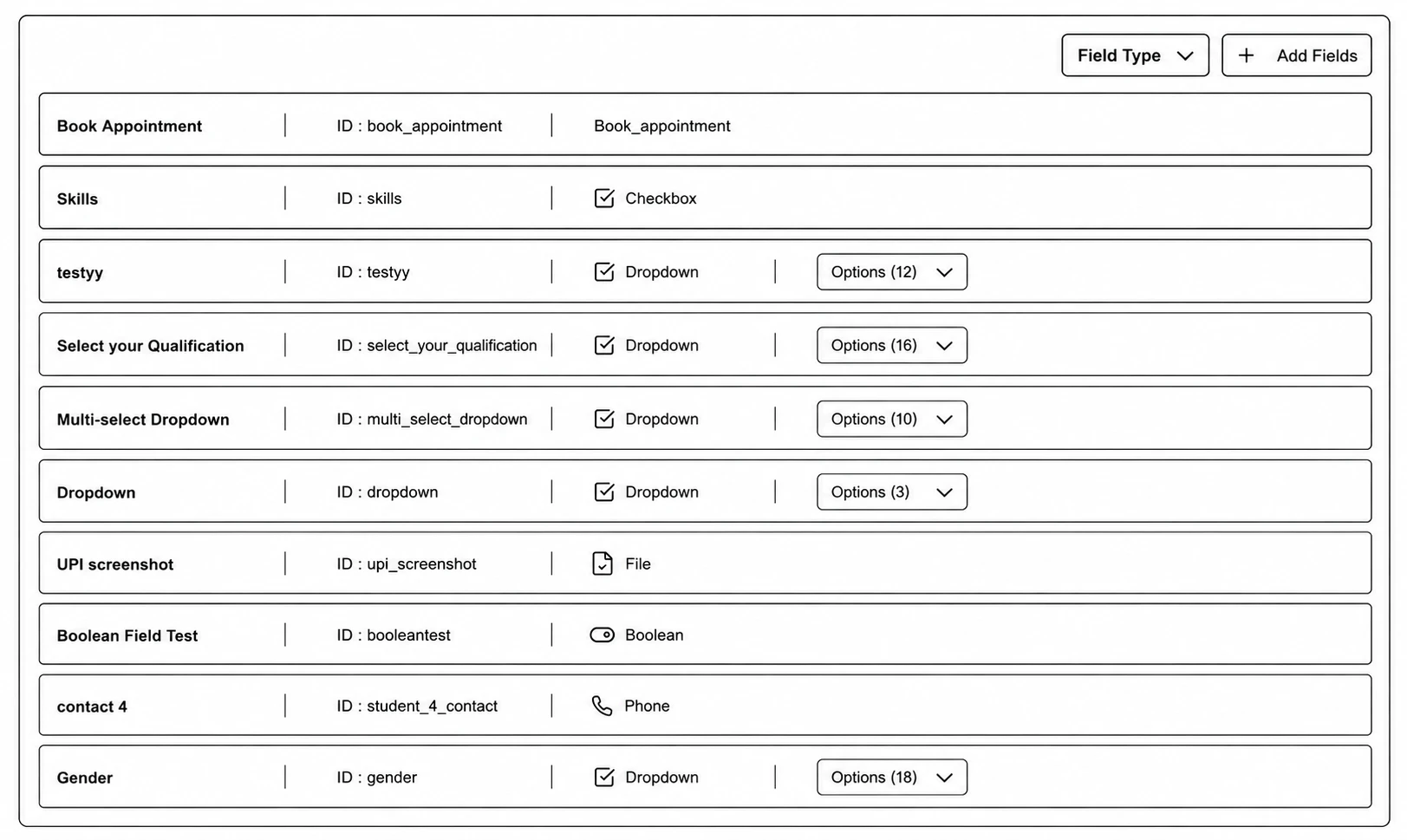
Step 1: Go to Enquiry Forms → Field Settings.
Step 2: Click Add Fields.
Step 3: Search and check the fields you want to make available (fields already visible on the form won't appear here).
Step 4: Click Add.
Managing Field Order
Enter reorder mode, drag fields using the grip handle, then click Save Order (or Cancel to discard).
Use the Field Type filter to narrow the list by type (Email, Phone, Textbox, Dropdown, Date, Taxonomy, etc.).