Chatbot — Chatbot Conversations
Go to Chatbot in the CRM sidebar to open the Chat inbox — a list of all chatbot conversations across your organization.
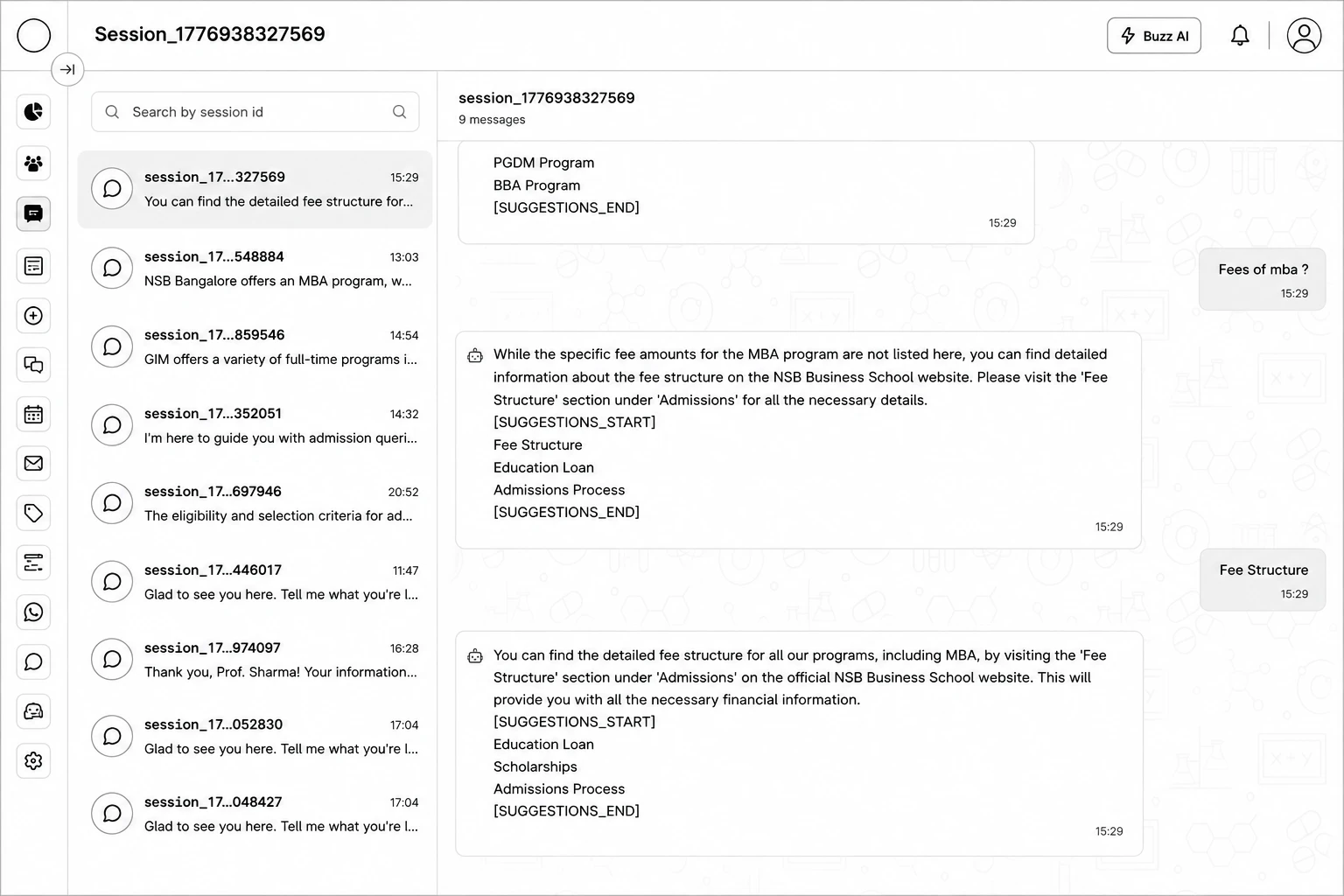
Left panel: search conversations by session ID; each entry shows the last message time and a preview.
Right panel: the full conversation, with messages grouped by date and visually distinguished between the visitor, the bot, and any counsellor reply. If a conversation has been handed off from the bot to a human, the header shows "Bot paused (handed over)".