Leads — Overview
Shows the lead's custom fields, grouped into cards by section (e.g. Personal Information, Contact Information — the exact groups come from your org's Field Groups setup).
What You Can Do
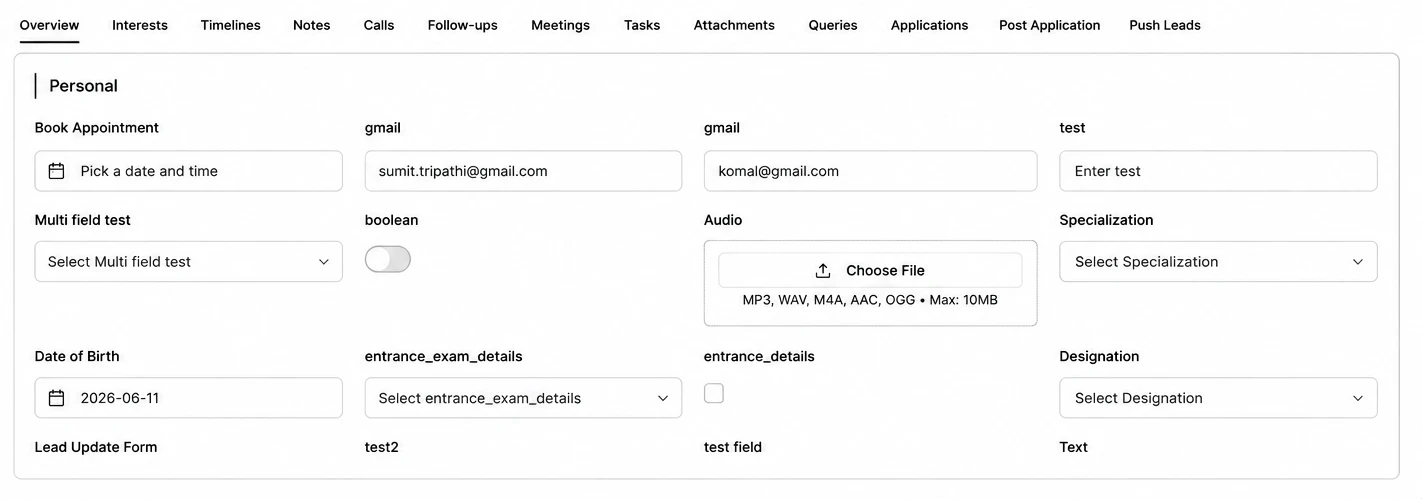
- Values are displayed intelligently by type: Yes/No for checkboxes, formatted dates, phone numbers, pill-style tags for multi-select fields, Country/State/City breakdown for location fields, and a play-in-browser player for audio fields. Long text fields truncate with a Show more/less toggle.
- Click the pencil icon on any section to edit just that section — fields you didn't touch aren't resubmitted.
- Fields set to One Time Edit become permanently read-only after their first save.
- Hover the floating control on the right for Navigate to Section — jump straight to any section without scrolling.