Leads — Queries
Questions or support tickets a student has raised during their application, shown as a chat-style thread.
What You Can Do
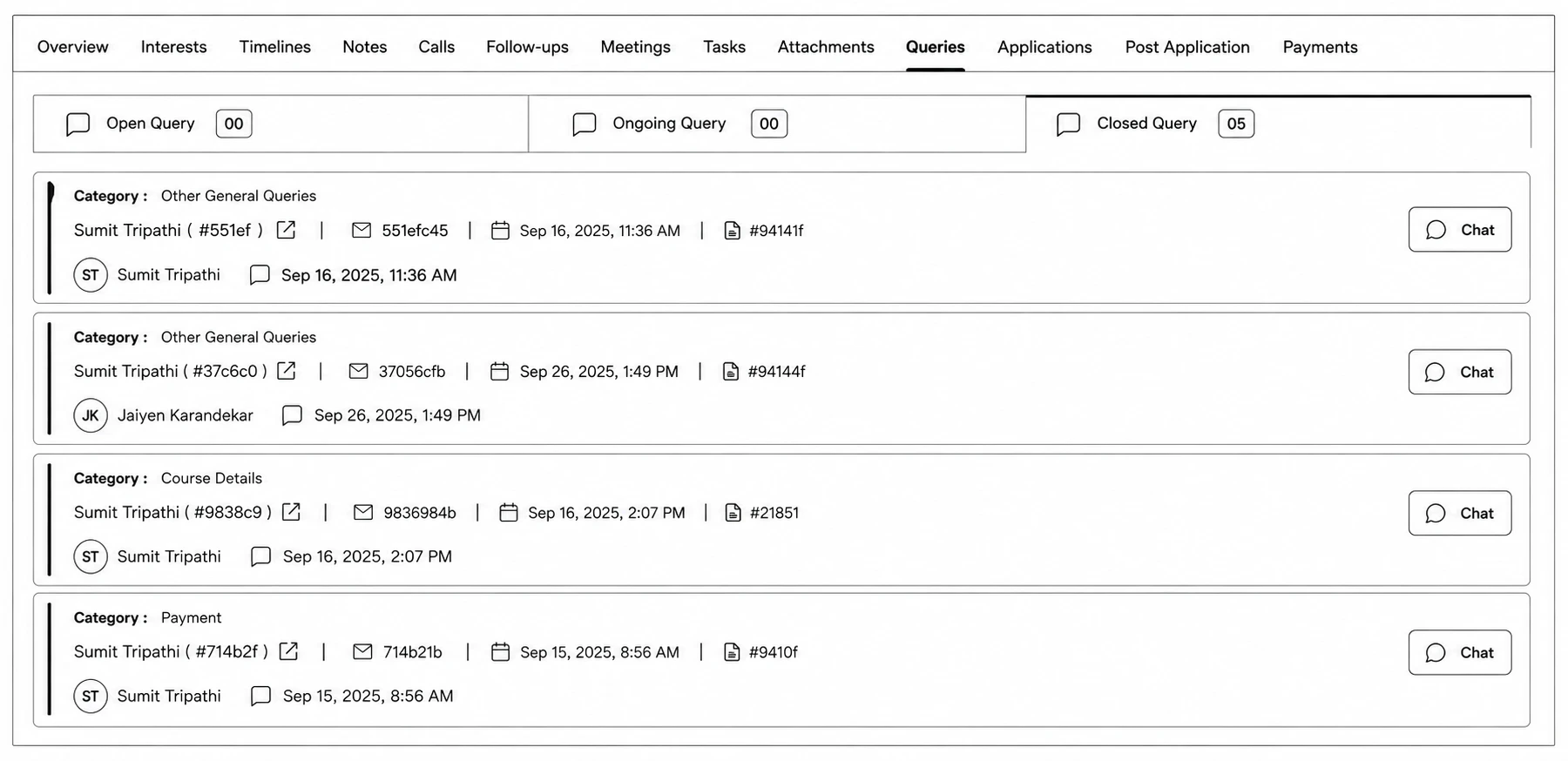
- Filter by Open Query, Ongoing Query, Closed Query.
- Click Chat on any query to open the conversation panel, type a reply, and send it — your first reply automatically moves the query from Open to Ongoing.
- Click End Chat to close it out (with a Yes/No confirmation) — this moves it to Closed and locks further messages.