Leads — Interests
Tracks what the lead is interested in and where they came from.
What You Can Do
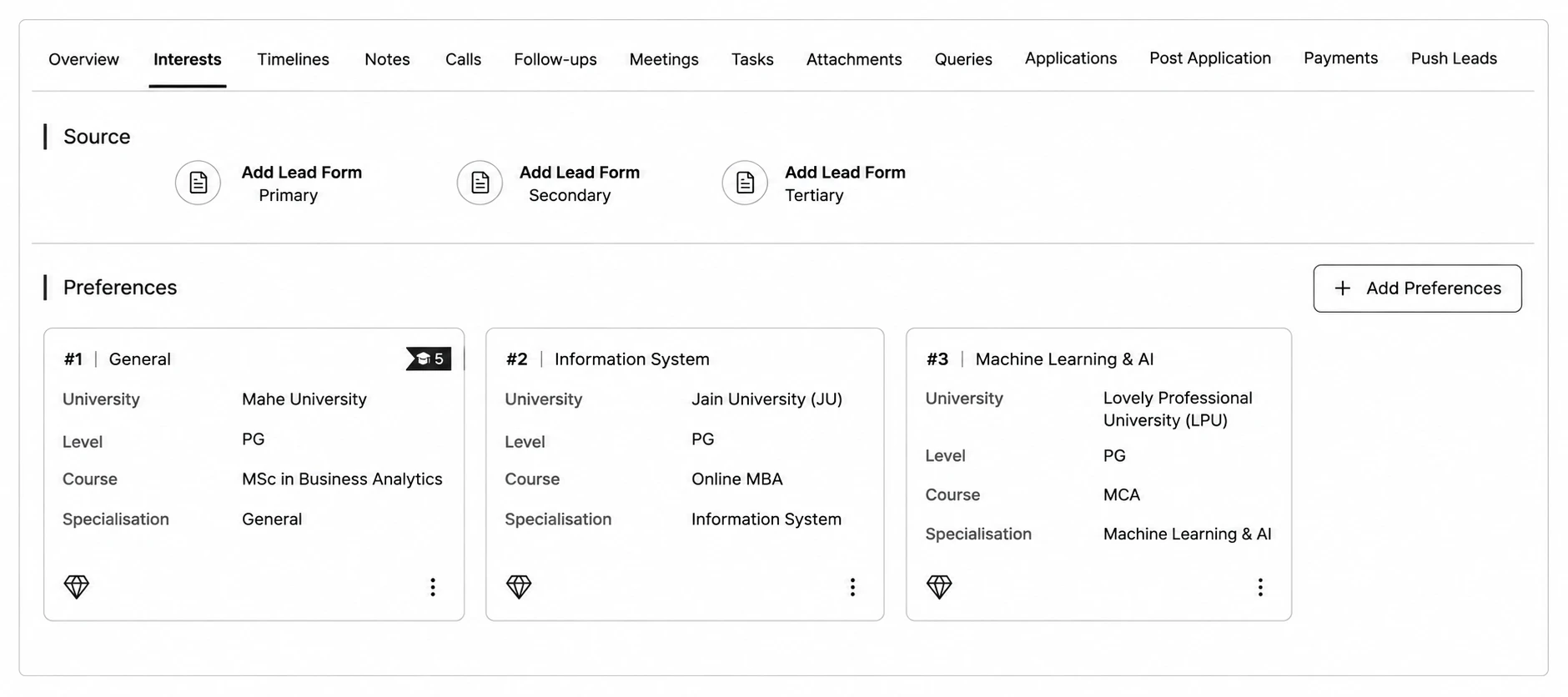
- Source — shows up to 3 attribution sources as Primary, Secondary, Tertiary (hidden if your role doesn't have source-view permission).
- Preferences — click Add Preferences to add a course/program interest. Preferences show as cards (or a carousel if there are more than 4), each showing the course, and you can mark one as Set as Most Preferred.
- Enquiry Log — a full table of every form submission this lead has made, showing Specialization, Channel-Source, Medium, Campaign Name, and Enquiry Date.